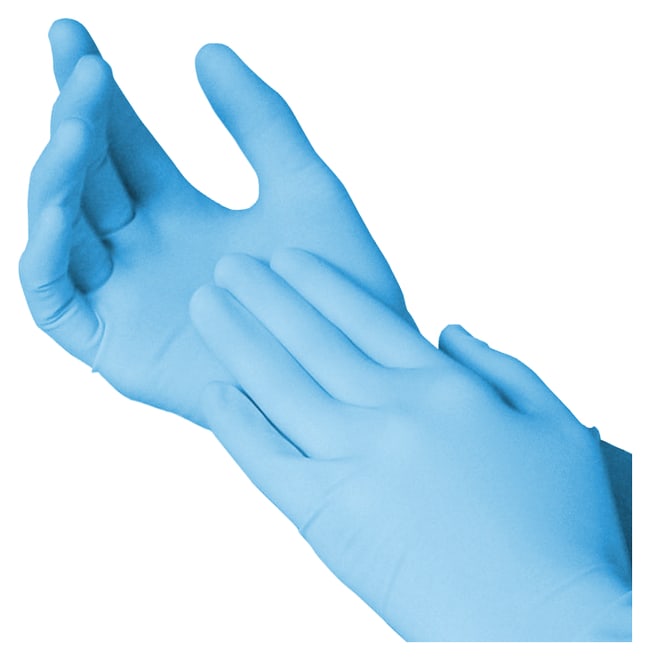

Powder-free nitrile gloves
Large · Catalog # 19-130-1597D
- On hand
- 12 boxes
- Location
- Supply room · Shelf A
Bring orders, receiving, and inventory together. Scan a delivery with your phone, review the details, and know exactly what’s on hand.
No credit card required · Excel import included
Your supplies, easy to find.
Large · Catalog # 19-130-1597D
 Received → Inventory updated
Example workspace and quantities. Product photograph from Fisher Scientific.
Keep orders, delivery records, and stock connected, so your team can find the information it needs in one workspace.
Keep the item, vendor, catalog number, project, cost, and order status together. Import your existing order list when you are ready.
Open BioOrder on a phone or iPad, point the camera at the package or label, and review the extracted fields before saving.
Review the item and quantity, confirm where it belongs, and save the receipt. Add shipment details when they are needed.
Find supplies by name, catalog number, or location. Review stock and expiration flags, and keep a history of deliveries.
Import an Excel order log or export your inventory. Connect Google Sheets to publish BioOrder records into the tabs you choose. Make record changes in BioOrder; spreadsheet edits do not flow back into your workspace.
 Microsoft ExcelImport .xlsx orders and export inventoryFile transfer
 Google SheetsPublish to selected tabs; check sync status in SettingsOne-way sync
Receive one item, find it in inventory, then bring your team into the workflow.
Start your free trial